SimpleManufacturing™ Resources

Manufacturing Knowledge Base & ERP Guides

Explore practical manufacturing guides, how-to articles, best practices, and lessons learned from more than 24 years of developing, implementing, and supporting manufacturing ERP software.

Our Knowledge Base covers inventory control, Material Requirements Planning, Bills of Materials, Work Orders, production scheduling, shop floor tracking, engineering changes, quality management, traceability, actual costing, Microsoft Access, SQL Server, and other topics important to small and midsize manufacturers.

Explore Manufacturing Topics

Start with one of these core manufacturing topics or browse all Knowledge Base articles below.

Browse All Knowledge Base Articles

Review the latest manufacturing how-to guides, best practices, software explanations, and lessons learned.

Explore why some manufacturers choose Microsoft Access and SQL Server instead of subscription web ERP to gain greater customization, data ownership, deployment control, performance, and predictable long-term costs.
Compare Access and SQL Server ERP with web-based ERP across customization, security, remote access, deployment, scalability, data ownership, reporting, infrastructure, and total cost of ownership.
Improve Microsoft Access performance through proper indexing, efficient queries, normalized tables, optimized forms, compact and repair procedures, split-database architecture, local front ends, and disciplined application design.
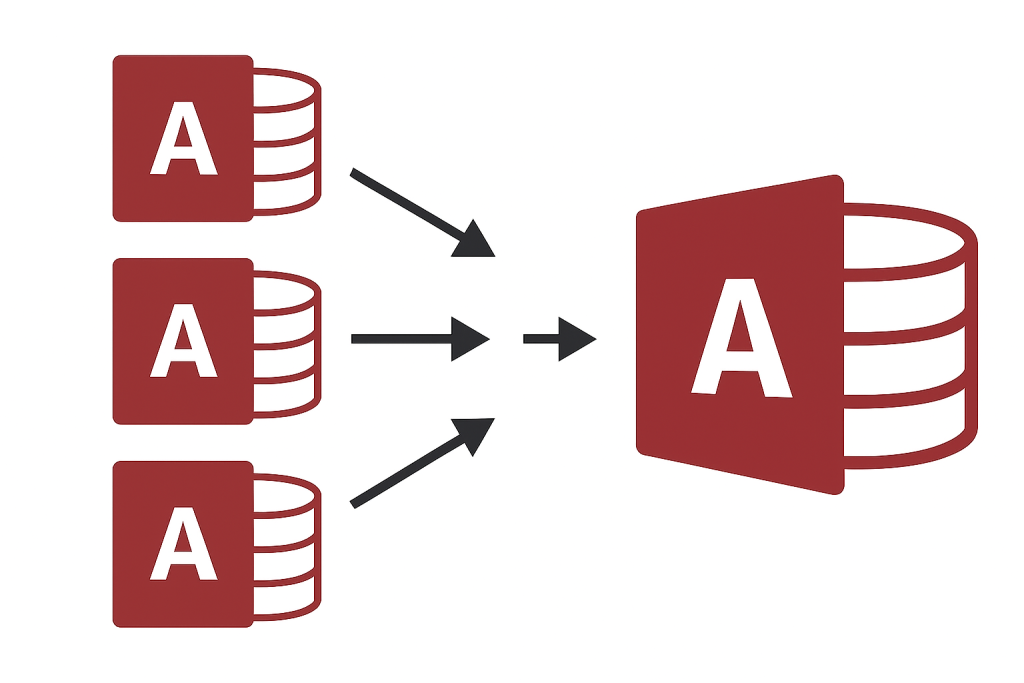
Learn how consolidating disconnected Access databases can reduce duplicate data, inconsistent reporting, maintenance effort, security risks, version conflicts, and inefficient workflows across departments.
Learn how to improve the reliability and performance of multi-user Access applications through database splitting, local front ends, record management, network planning, backups, and appropriate SQL Server integration.
Review practical security measures for Microsoft Access databases, including trusted locations, permissions, encryption, front-end deployment, SQL Server security, backups, application controls, and protection of sensitive business information.
Follow proven Microsoft Access development and maintenance practices covering table design, queries, forms, reports, VBA, error handling, deployment, performance, security, backups, and multi-user reliability.
Learn how Microsoft Access Trusted Locations affect macros, VBA code, security warnings, application deployment, and user experience—and how to configure them safely for business database applications.
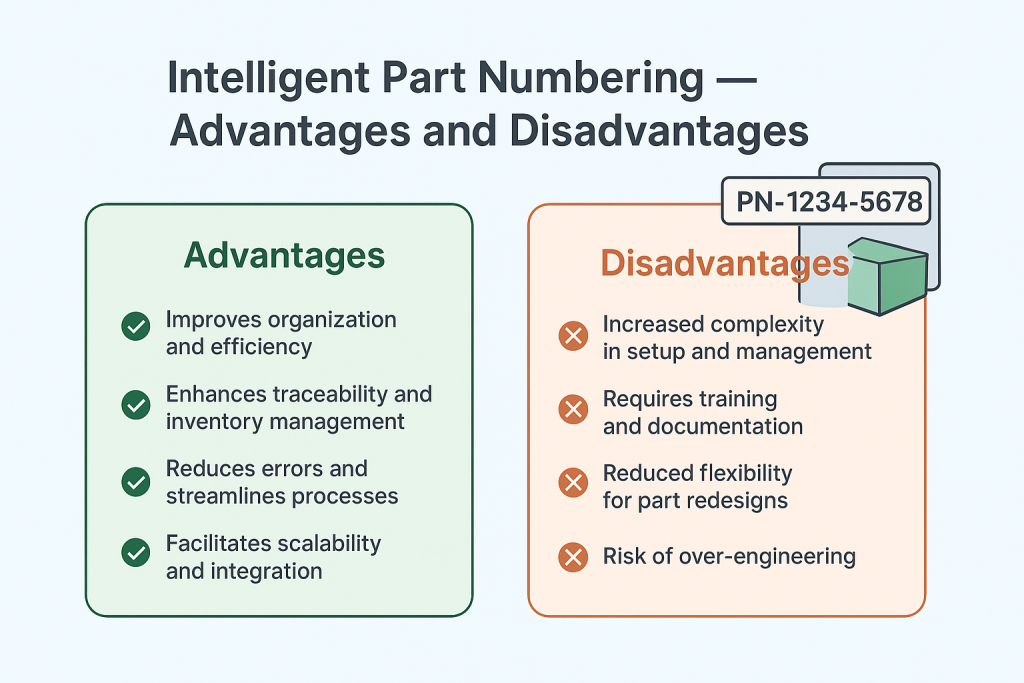
Compare intelligent and non-intelligent part-numbering systems, including their effects on identification, search, training, scalability, data accuracy, product classification, revisions, and long-term ERP management.