
Microsoft Access Database Optimization Tips
Improve Microsoft Access performance through proper indexing, efficient queries, normalized tables, optimized forms, compact and repair procedures, split-database architecture, local front ends, and disciplined application design.
Why Consolidating Multiple Microsoft Access Databases Makes Sense
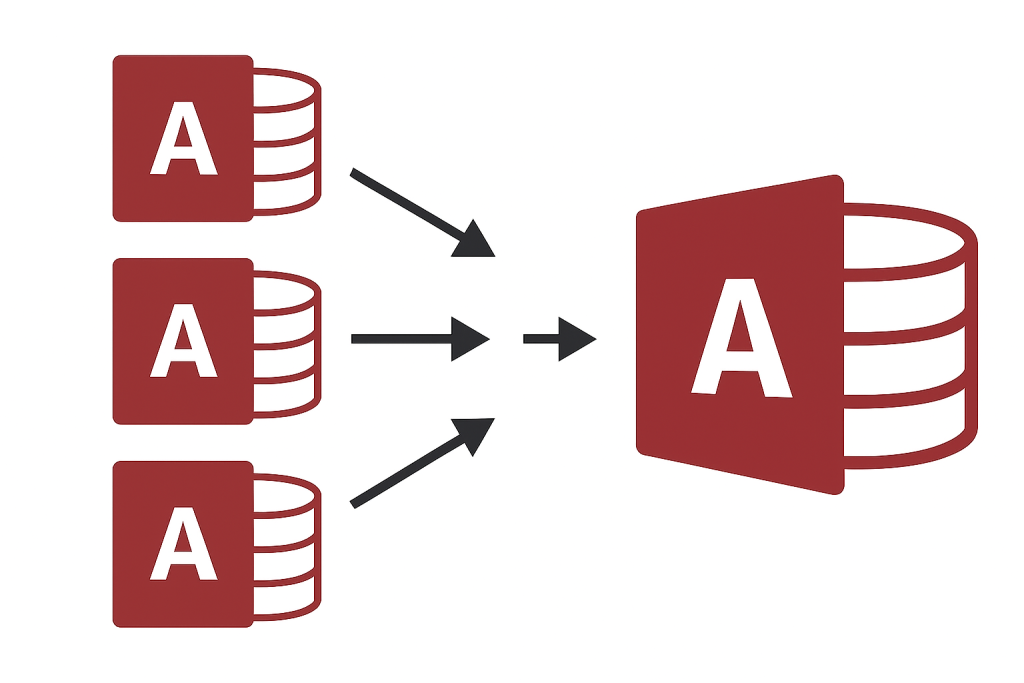
Learn how consolidating disconnected Access databases can reduce duplicate data, inconsistent reporting, maintenance effort, security risks, version conflicts, and inefficient workflows across departments.
Multi-User Microsoft Access Database Tips
Learn how to improve the reliability and performance of multi-user Access applications through database splitting, local front ends, record management, network planning, backups, and appropriate SQL Server integration.
Microsoft Access Database Security Guidelines
Review practical security measures for Microsoft Access databases, including trusted locations, permissions, encryption, front-end deployment, SQL Server security, backups, application controls, and protection of sensitive business information.
Microsoft Access Best Practices
Follow proven Microsoft Access development and maintenance practices covering table design, queries, forms, reports, VBA, error handling, deployment, performance, security, backups, and multi-user reliability.
What is a Trusted Location in Microsoft Access
Learn how Microsoft Access Trusted Locations affect macros, VBA code, security warnings, application deployment, and user experience—and how to configure them safely for business database applications.
Intelligent Part Numbers in Manufacturing: Advantages and Disadvantages
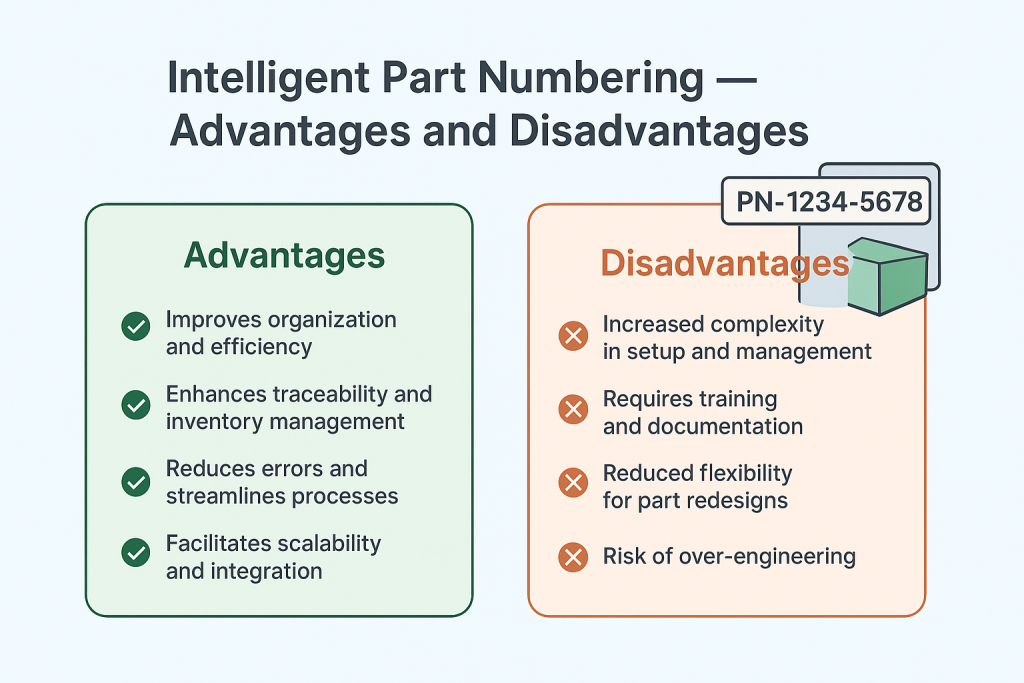
Compare intelligent and non-intelligent part-numbering systems, including their effects on identification, search, training, scalability, data accuracy, product classification, revisions, and long-term ERP management.
Why and How to Split a Microsoft Access Database into Front-End and Back-End for Multi-User Applications
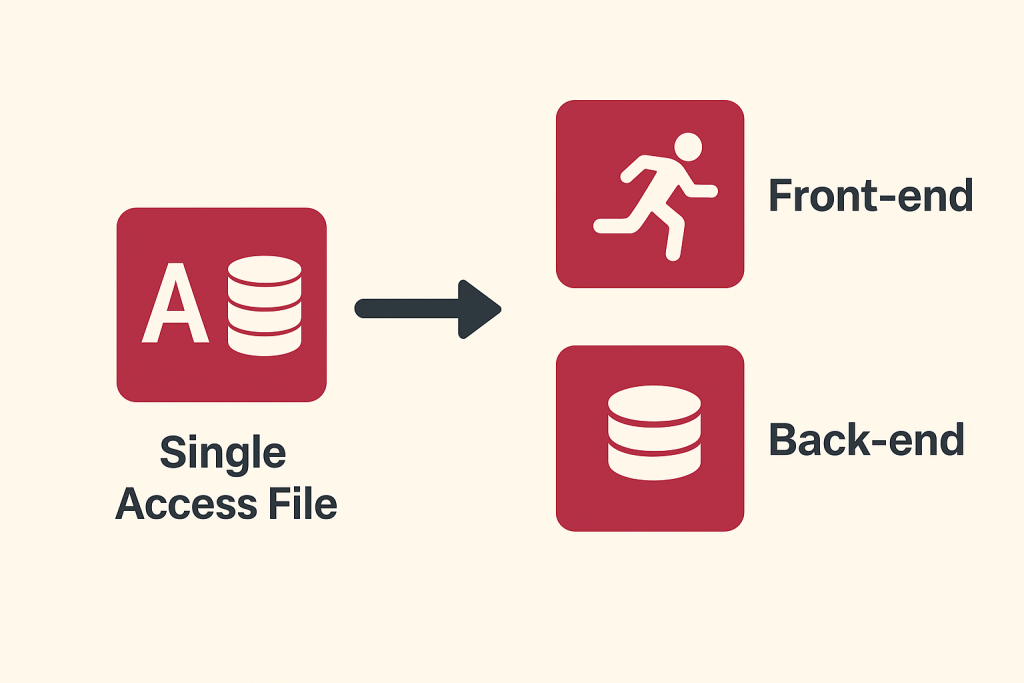
Learn why and how to split a Microsoft Access application into local front ends and a shared back end to improve performance, reliability, maintenance, deployment, and multi-user operation.
Excel vs. ERP Software for Manufacturing
Learn when growing manufacturers should replace disconnected spreadsheets with ERP software that integrates inventory, purchasing, Work Orders, production scheduling, quality, traceability, costing, and accounting.
Account Receivables – Invoices and Receipts

Learn about Invoice and Payment Receipts in SimpleManufacturing. Learn How Invoices are automatically created and the flexibility of recording payments of those Invoices.